














































BLOG

Why Your Cold Email Reply Rate Is Below 1% – A Diagnostic

A cold email reply rate below 1% is not just a messaging problem; it is a sign that your outbound system needs a serious audit. This guide helps GTM teams diagnose deliverability, data quality, targeting, personalization, and sequence issues so they can fix what is blocking replies.

Published on: June 19, 2026 |

Share:

Why Your Cold Email Reply Rate Is Below 1%

The average B2B cold email reply rate in 2026 sits between 3% and 3.4%, based on benchmark data from Instantly, Cleanlist, and Apollo.  

That’s down from roughly 5% in 2025 and 8.5% in 2019. Some agency datasets, like Belkin’s analysis of 16.5 million emails, report a higher average of 5.8%, so a realistic industry benchmark today is 3–5%. If you’re consistently above 5%, you’re doing well. If you’re hitting 10% or more, you’re among the top performers. 

Now here’s the problem. 

If your cold email reply rate is below 1%, you’re not just having a bad week. Something in your outbound system is broken, and in most cases, it’s more than one thing. 

This guide is a complete outbound email diagnostic. We’ll walk through 11 common cold email reply rate issues that quietly destroy cold email performance, starting with deliverability and infrastructure before moving into targeting, personalization, copy, and sequencing. By the end, you’ll know exactly what’s hurting your reply rate and which fixes to prioritize first. 

What Is a Good Cold Email Reply Rate in 2026? 

What Is a Good Cold Email Reply Rate in 2026? 

Before diagnosing what is going wrong, you need a number to measure yourself against. A lot of teams assume their reply rate is just “low” without knowing whether they are slightly below average or performing at a fraction of what is possible.  

Here is where the 2026 data actually lands: 

Performance Tier Reply Rate 
Bottom performers Below 0.5% 
Industry average 3.1% – 3.43% 
Good 5%+ 
Top quartile 8–12% 
Elite / top 10% 10.7%+ 

Instantly, a cold email automation platform, analyzed billions of cold emails in their 2026 Benchmark Report and found a 3.43% average reply rate, with the top 10% of senders hitting 10.7% or higher. Cleanlist’s independent research across B2B campaigns landed at 3.1%. Belkins, a B2B appointment setting agency, reported 5.8% across their tightly curated client campaigns. 

The gap between the best and worst performers is about 20 times. That is not a small difference. And the interesting thing is that what separates them is rarely the copy. The teams at the top are winning on data quality, targeting precision, and sending infrastructure. Get those three things right, and everything else becomes easier. 

One more thing worth knowing before we get into the diagnostic: open rate and reply rate are not the same metric. They tell you very different things, and confusing the two is one of the most common reasons teams end up fixing the wrong problem.

What Is the Difference Between Cold Email Open Rate and Reply Rate? 

What Is the Difference Between Cold Email Open Rate and Reply Rate? 

Open rate tells you whether someone clicked on your email. Reply rate tells you whether someone actually responded to it. They measure very different things. 

In 2026, open rate has become a tricky metric to trust. Apple Mail Privacy Protection automatically loads tracking pixels for around 49% of email opens, which means your reported open rate is almost certainly inflated. The average reported open rate is around 42%, but real engagement is much lower than that number suggests. 

What open rate actually tells you in 2026: 

  • Open rate below 30% → almost certainly a deliverability or sender reputation problem 
  • Open rate above 40% but reply rate below 1% → your email is reaching inboxes but your message, targeting, or offer isn’t landing 

The key diagnostic principle: open rate is a deliverability signal while reply rate is a message-market fit signal. Most teams skip deliverability entirely and jump straight to rewriting copy. That’s why their reply rate stays broken. 

Why Is My Cold Email Reply Rate Below 1%? 

A reply rate below 1% is rarely caused by just one mistake.  

More often, it’s the result of several small issues working against you at the same time. Your emails might be landing in spam, your prospect list could be outdated, your messaging may not resonate, or your follow-up sequence might end too soon.  

Individually, these problems hurt performance. Together, they can bring your reply rate to a standstill. 

How Do I Improve Cold Email Reply Rates? 

The good news is that these issues are usually fixable. Work through the diagnostic below in order, starting with the foundation. There’s little point rewriting your copy if your emails aren’t reaching the inbox in the first place. 

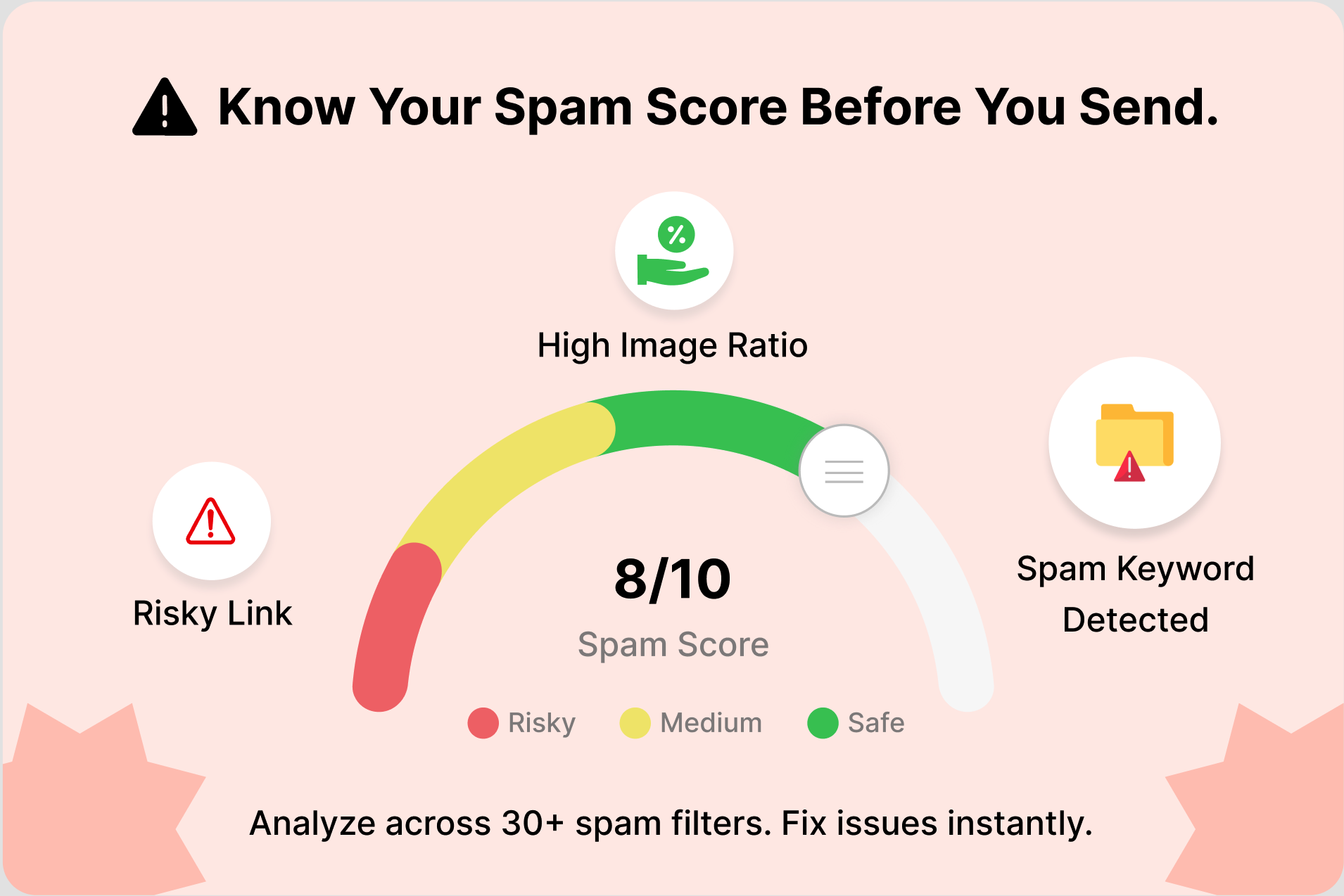
Problem 1: Your Emails Are Landing in Spam (Not the Inbox) 

This is the most common cause of catastrophically low reply rates, and the most overlooked. If your emails aren’t reaching the primary inbox, no amount of copy improvement will help. 

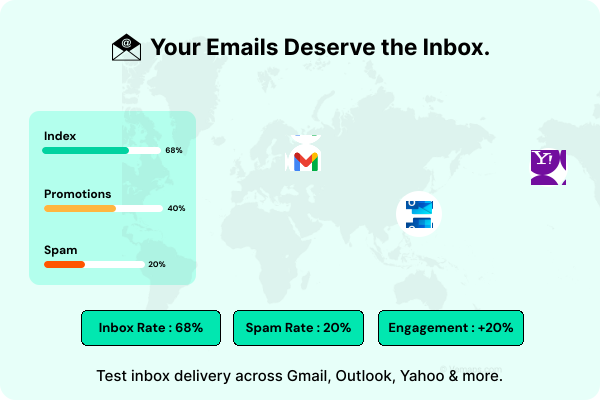
According to Validity’s 2025 Email Deliverability Benchmark Report, the global average inbox placement rate is around 84%. That means roughly one in every six legitimate emails never reaches the inbox at all. For campaigns with authentication problems, the number is much worse. 

How to diagnose it: Run your sending domain through a tool like Google Postmaster Tools or MXToolbox. Check your spam complaint rate. If your open rate is below 20% on a list that should be warmed, deliverability is your primary problem. 

The fix: Fix your infrastructure first. Everything else is optimization on a broken foundation. 

Problem 2: You Have Not Set Up SPF, DKIM, and DMARC 

As of 2026, Google, Yahoo, and Microsoft all enforce sender authentication for bulk senders. These are no longer optional configurations. They are table stakes. Without them, your emails are rejected or filtered to spam before a prospect ever sees them. 

How do SPF, DKIM, and DMARC affect cold outreach? 

  • SPF (Sender Policy Framework) tells receiving email servers which servers are allowed to send on behalf of your domain. Without it, there is no way for Gmail to verify that the email actually came from you. 
  • DKIM (DomainKeys Identified Mail) attaches a digital signature to each email you send. It proves the email was not tampered with on the way to the recipient. Gmail made this required for bulk senders since February 2024. 
  • DMARC (Domain-based Message Authentication) connects SPF and DKIM together and tells receiving servers what to do if an email fails those checks. Start with p=none, then move to p=quarantine and eventually p=reject as you verify your setup. 

According to Smartlead’s 2025 user survey, 78% of cold email teams had to update their infrastructure after Google and Microsoft tightened deliverability requirements. If your domain was set up before 2024, assume you need to audit it. 

The fix: Verify all three records on every sending domain using MXToolbox. Set up domain forwarding and custom tracking domains. Never send cold email from your primary business domain. Use dedicated secondary domains instead. 

Problem 3: Your Domain Is Not Warmed Up 

When you start sending cold emails from a brand-new domain, email providers get suspicious. They see a sudden spike in volume from an address with no sending history and treat it as spam. 

The data on this is pretty clear. Pre-warmed inboxes outperform fresh inboxes by about 2.5 times on reply rate in controlled tests, even when the copy and the list are identical. The only difference is the infrastructure. 

The fix: New domains need a minimum of 2–4 weeks of gradual volume increase before running full campaigns. The safe limit for cold email is 30–50 emails per warmed inbox per day. Most teams running at scale use 3–5 warmed mailboxes to distribute volume while keeping per-mailbox sends within healthy limits. Erratic sending patterns such as 500 emails Monday, nothing Tuesday–Thursday, 1,000 Friday destroy sender reputation fast. 

Problem 4: Your Bounce Rate Is Too High 

Bounce rate might be the single most important differentiator between teams that get replies and teams that do not. The average bounce rate across all cold email senders in 2026 is 5.1%, according to Cleanlist. Top performers keep it under 1.5%. The worst performers bounce at 12% or higher, which signals to Gmail and Outlook that something is very wrong. 

Google’s 2026 guidelines treat sustained bouncing above 2% as a spam signal that suppresses all emails from that domain. There are two types of bounces worth knowing about. 

Hard vs. soft bounces: 

  • Hard bounces (invalid address, dead domain): remove immediately and never retry 
  • Soft bounces (full mailbox, server temporarily unavailable): monitor but treat as a hard bounce after 2–3 failed attempts 

The fix: Verify every email address before it enters a sequence. Verified email lists generate 2x the reply rate of unverified lists, and 5–6x the reply rate of purchased lists (Cleanlist, 2026). Email verification is not a nice-to-have. It is the highest-leverage lever in your entire cold email operation. 

Problem 5: Your Prospect List Doesn’t Match Your ICP 

This is where most GTM teams quietly bleed pipeline. You can have perfect deliverability, flawless authentication, and well-written copy, and still get a sub-1% reply rate if you’re emailing the wrong people. 

The diagnostic: 

  • Are you targeting by industry vertical, not just job title? 
  • Does your ICP definition include company size, tech stack, recent growth signals, or funding stage? 
  • Are you emailing decision-makers or blockers? 

A 3% reply rate is strong performance in enterprise SaaS but mediocre in a local services campaign targeting SMB owners. Industry context and ICP precision determine what “good” looks like for your campaigns specifically. 

The fix: Narrow your list before you scale your volume. Twenty highly personalized emails to precisely matched prospects will outperform 200 lightly personalized emails to a loosely defined segment every time. 

Problem 6: You’re Using Purchased or Stale Contact Data 

Purchased lists are one of the fastest routes to a blocked domain. They combine three problems: high bounce rates from outdated contact information, spam complaints from prospects who’ve never heard of you, and near-zero intent from contacts who never opted into anything. 

People change jobs all the time. A contact database that is not regularly refreshed goes stale faster than you might expect. Someone who was Head of Sales at a company six months ago might have moved on, and their old email address is now dead or forwarded to someone who will mark you as spam. 

The fix: Use a B2B contact database with real-time verification and continuous data enrichment to keep your prospect data accurate. Platforms like Clodura.AI, one of the leading B2B sales intelligence solutions in 2026, combine large contact databases with built-in email verification, helping ensure contacts are validated before they enter your outreach sequences. This reduces bounce rates, protects sender reputation, and improves overall campaign performance. 

Problem 7: Your Subject Lines Are Triggering Spam Filters or Being Ignored 

Modern AI-powered spam filters use natural language processing to detect templates and automated outreach, even when there are no obvious spam words. The old tricks like “Quick question” and “Following up” used to work because they sounded personal. Now every filter and every experienced buyer recognizes them immediately. 

What the data says about subject lines in 2026: 

  • Personalized subject lines achieve a 46% open rate vs. 35% for generic ones.  
  • All-lowercase subject lines outperformed Title Case by 21% across 12 million cold emails. 
  • ALL CAPS dropped open rates by 73% and triggered spam filters. 
  • When you add the company name specifically, open rates go up by 29%. Add a specific metric about the prospect and it jumps to 42%. 
  • Subject lines under 4 words have some of the highest open rates because they look like messages from someone the prospect already knows 
  • Over 60% of business emails are first opened on mobile, where subject lines display only 30–35 characters so putting your best words at the start of the subject line matters. 

What to avoid: “RE:” or “FWD:” prefixes on first-touch emails, misleading subject lines, special characters and excessive punctuation, subject lines that overpromise what the email actually delivers, and anything that sounds like it was written by a marketing team rather than a person. 

Problem 8: Your Email Reads Like a Sales Pitch 

Even when your email reaches the inbox and the subject line earns an open, a long, product-heavy email with three different calls to action will kill your reply rate. 

What the data says about email body and length: 

  • The optimal cold email length is 50–125 words. That length achieves a 2.4x higher reply rate than emails over 200 words 
  • Emails under 80 words are the benchmark for first-touch outreach 
  • A Lemlist analysis found emails around 120 words achieved a 52% booking rate vs. 20% for emails at 300 words 
  • Every additional CTA reduces clarity and response rate so it’s better to have one ask per email. “Worth 15 minutes this week?” works. “Check out our website, read our case study, and book a demo when you’re ready” does not. 

The formula that works: open with something specific and relevant about the prospect, make a connection to a problem they likely have, and end with a single, low-friction ask. The email should feel like it came from a real person who did a little homework. Not from a tool that inserted a first name into a template. 

If your open rate is healthy (above 30%) but your reply rate is below 1%, the problem lives in your body copy or your offer, not your subject line and not your deliverability. 

Problem 9: Zero Meaningful Personalization 

Generic templates are the single fastest route to the delete key. Decision-makers in 2026 receive 150+ cold emails weekly. AI-generated outreach is now extremely common, and buyers have gotten very good at recognizing it. Inserting someone’s first name and company name into a template is not personalization anymore. It is just automation with a thin disguise. 

The data on genuine personalization is striking: 

  • Reply rates jump from 3% with no personalization to 7% with real, signal-based personalization. That is a 133% increase, just from making the email feel like it was written for that specific person. 
  • Only 5% of senders personalize every email they send, and those who do get two to three times more replies than everyone else. 

What genuine personalization looks like in 2026: referencing a post they recently wrote, mentioning a funding round or company news, bringing up a job change, or connecting to something specific in their tech stack or industry.  

The fix: Segment your prospect list by meaningful shared characteristics before you write anything. Group people by funding stage, hiring signals, recent news, or tech stack. Then write one genuinely tailored email for each segment. That is much more effective than trying to personalize individually for hundreds of people or using the same template for everyone. 

Problem 10: Your Sequence Stops Too Early 

Most sales teams stop after one or two emails. This is a mathematical mistake. 

The data on cold email sequences: 

  • 58% of all replies come from step one of a cold email campaign 
  • 70% of salespeople stop after one email 
  • 42% of total replies come from follow-up emails meaning you abandon nearly half your potential replies if you stop at one touch 
  • The first follow-up email alone can increase reply rates by up to 49%  

What the optimal sequence looks like: Data from Instantly and Woodpecker converges on 4–7 emails as the optimal sequence length for B2B cold outreach. The structure that works: 

  1. Email 1 – Hook: Specific observation + relevance signal + soft ask 
  1. Email 2 (Day 3–4) – Value Drop: New insight, relevant resource, or different angle 
  1. Email 3 (Day 7–8) – Proof: Case study, social proof, or specific outcome 
  1. Email 4 (Day 11–12) – Bump: Short re-engagement, reference original context 
  1. Email 5 (Day 16–18) – Break-up: “Should I stop reaching out?” 

The break-up email consistently generates the highest reply rate in the sequence. It leverages loss aversion, triggering responses that three previous value-driven emails couldn’t. 

What kills follow-up effectiveness: “Just checking in to see if you had a chance to look at my last email.” Every follow-up needs to add something new such as a relevant case study, a different angle, a specific insight. If you have nothing new to say, wait until you do. Space follow-ups 3–5 days apart. Sending three follow-ups in one week to a non-responder isn’t persistence. It’s a spam signal. 

Problem 11: You’re Tracking Open Rate Instead of Reply Rate 

Open rate is a useful signal, but it is a misleading primary metric in 2026. Because Apple Mail Privacy Protection auto-loads tracking pixels, your reported open rate is almost certainly higher than reality. On top of that, having open tracking enabled can actually trigger spam filters in Gmail. 

Belkins found that disabling open tracking produced a 3% higher response rate in their campaigns. That is because the tracking pixel itself was causing deliverability issues. 

If you are spending time trying to improve an inflated open rate metric while your reply rate is collapsing, you are solving the wrong problem. 

The metrics that actually matter: 

  • Inbox placement rate tells you whether emails reach the primary inbox, not just “delivered” 
  • Positive reply rate counts only replies expressing genuine interest, excluding auto-replies and “not interested” 
  • Bounce rate should stay under 2%; above that, list quality is damaging sender reputation 
  • Spam complaint rate should stay under 0.1%. Anything above that signals a dangerous trajectory. 
  • Meeting booked rate per 100 emails sent is the metric that connects outreach effort to pipeline 

Why Are My Cold Emails Getting Opens but No Replies? 

This is a specific situation worth calling out separately. If your open rate is solid but your reply rate is still below 1%, your deliverability is working and your subject line is doing its job. The problem is in the email body. 

Let’s run through this checklist: 

  • Is the email about the prospect or about you? First-touch emails that open with “We help companies like yours…” get deleted. 
  • Is your ask clear and low-friction? A calendar link as the first CTA is high-commitment. “Worth a quick chat?” is low-friction. 
  • Is your email too long? Anything over 150 words is too long for a first touch. 
  • Does the body copy deliver what the subject line promised? A mismatch here destroys trust immediately. 
  • Is there more than one CTA? Multiple asks create decision paralysis. 

Open rates above 50% with reply rates below 3% almost always mean the subject line works but the body copy doesn’t resonate with the audience. 

How Can AI SDR Tools Improve Cold Email Replies? 

The core problem with cold email personalization is that doing it well takes time, and doing it badly is worse than not doing it at all. AI SDR tools are designed to solve that tension. 

Rather than relying on first-name-only templates or spending hours researching each prospect manually, AI tools pull from real-time signals like job changes, funding announcements, LinkedIn activity, and hiring data to write messages that feel genuinely researched. 

The numbers on AI-powered personalization: 

  • 65% of B2B sales teams are now using AI for scalable personalization 
  • Campaigns using AI-driven personalization see 57% higher open rates and 82% more responses 
  • AI SDR tools enable 300+ personalized emails daily per sales rep compared to 30–50 high-quality manual emails 

There is a big difference between AI that actually researches your prospect and AI that just swaps in a first name.  

A message that references something real, like a recent company announcement, a LinkedIn post they wrote, or a shift in their industry, feels like it came from a person who did their homework. A generic AI-filled template does not fool anyone anymore because buyers can tell.  

So, when you are evaluating a cold email automation tool, the question to ask is: does it pull from live signals or is it just sending the same message to everyone with different names at the top? 

What Should GTM Teams Fix First When Cold Emails Stop Getting Replies? 

Most teams start by rewriting subject lines or email copy. In reality, those are often the last things you should fix.  

If your emails aren’t reaching the inbox or you’re sending to poor-quality data, even the best-written cold email won’t generate replies. Start with the foundation and work your way up.  

Here’s the order that delivers the biggest impact: 

  1. Check inbox placement. Before changing anything else, confirm your emails are landing in the primary inbox rather than spam. Tools like Google Postmaster Tools can help you monitor your sender reputation and delivery performance. 
  1. Verify your email authentication. Make sure SPF, DKIM, and DMARC are correctly configured on every sending domain. Without proper authentication, mailbox providers are far more likely to distrust your emails. 
  1. Review your bounce rate. If more than 2% of your emails are bouncing, stop sending and fix your contact data first. High bounce rates damage your sender reputation and make future campaigns less effective. 
  1. Warm up new sending domains. A brand-new domain shouldn’t be used at full sending volume immediately. Build trust gradually over two to four weeks before scaling your campaigns. 
  1. Evaluate your open rate. Once your infrastructure and data are healthy, look at your open rates. If they’re consistently below 20%, experiment with different subject lines, preview text, and send times. 
  1. Optimize your email copy and offer. Only after everything else is working should you focus on improving your messaging. Strong copy can’t compensate for poor deliverability or bad data, but it can significantly improve results once the fundamentals are in place. 

Many GTM teams jump straight to step six because it’s the easiest thing to change. The problem is that copy is rarely the reason reply rates fall below 1%. Fix the foundation first, and every optimization that follows will have a much greater impact. 

The Best B2B Sales Intelligence Tools for Cold Email Outreach in 2026 

By now, you’ve seen that low reply rates aren’t usually caused by bad copy alone. Even with strong deliverability, a healthy sending reputation, and well-written sequences, your campaigns can still underperform if the data behind them is inaccurate. 

Outdated contacts, companies that don’t match your ideal customer profile, and unverified email addresses all reduce your chances of getting a reply. Worse, poor-quality data can increase bounce rates, hurt your sender reputation, and make every campaign less effective over time. 

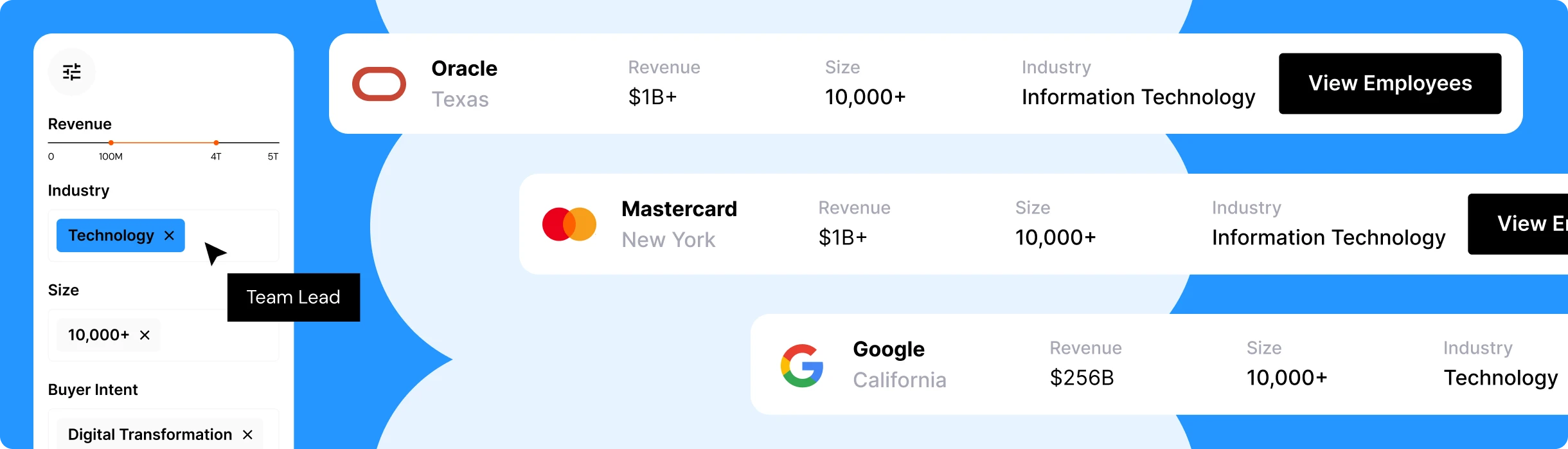
This is where B2B sales intelligence platforms make a real difference. They don’t just help you find prospects. They help you identify the right prospects, verify their contact information, enrich your CRM with fresh data, and uncover buying signals that make personalization more relevant. 

There are several well-known platforms in this space. Apollo.io is popular for all-in-one prospecting and sequencing, ZoomInfo is widely used by enterprise sales teams for its extensive company and contact data, and Lusha is known for fast LinkedIn enrichment.

Each platform solves part of the outbound puzzle. But if you’re looking for a solution that combines prospecting, data enrichment, email verification, buyer intent, and AI-powered outreach in a single platform, Clodura.AI is built to bring those capabilities together. 

How Does Clodura.AI Help Improve Cold Email Outreach? 

Most cold email failures trace back to the same three things: bad data, poor targeting, and outreach that feels generic. Clodura.AI is built to address all three from a single platform. 

What Clodura.AI brings to cold email outreach: 

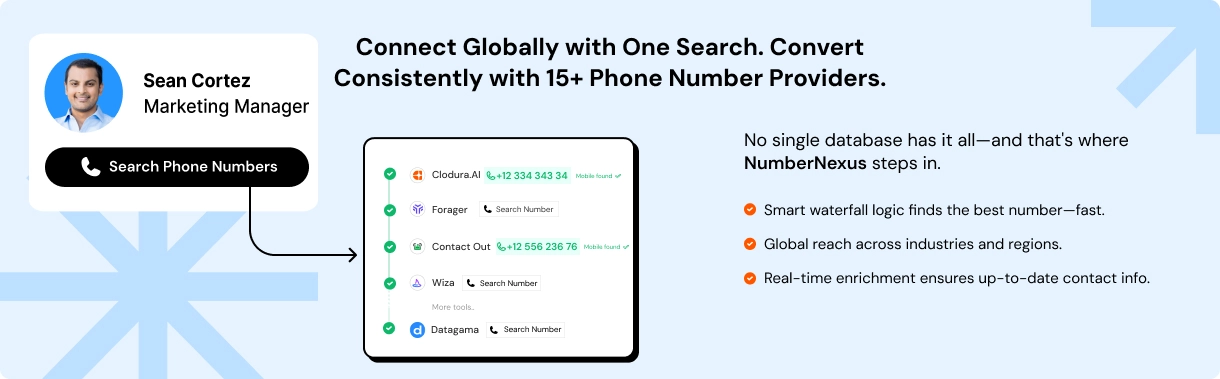
  • 600M+ contact database sourced from 50+ data providers, with direct dials and mobile numbers pulled from 20+ phone sources 
  • Integrated email verification built into the prospecting workflow, so contacts are validated before they enter a sequence keeping bounce rates within healthy limits 
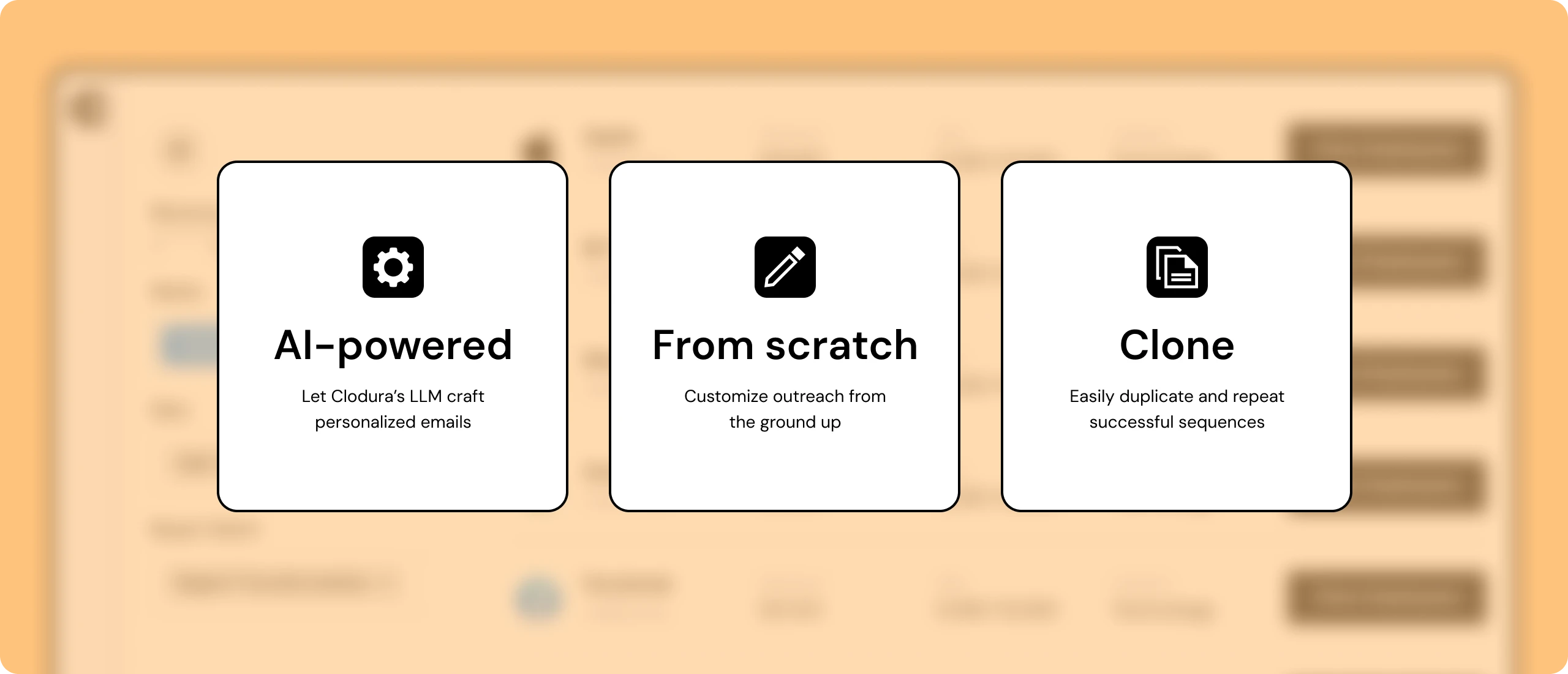
  • GenAI-powered outreach sequences that generate personalized email copy based on prospect signals, company context, and buyer intent data 
  • Buyer intent identification to prioritize outreach to accounts actively showing purchase signals. The highest-converting tier of any cold email list 
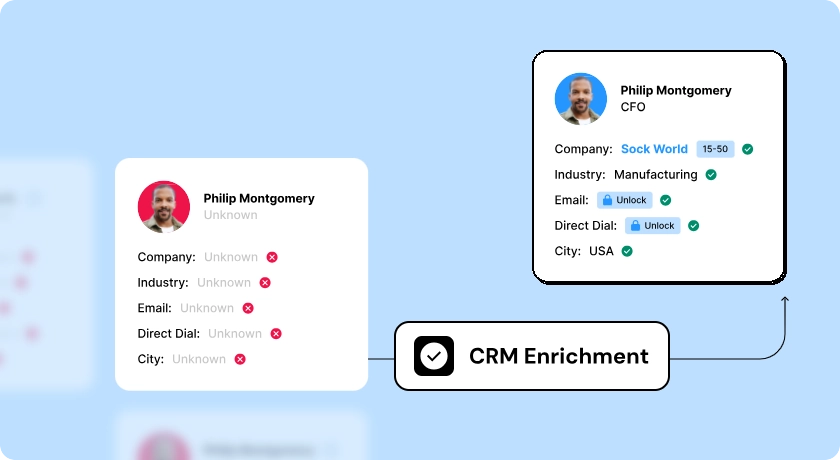
  • Data enrichment to keep existing CRM records current and accurate 
  • Chrome extension for LinkedIn prospecting that feeds directly into sequences without manual data entry 

The platform covers the full outbound workflow such as prospecting, verification, sequence creation, and sending without requiring separate tool subscriptions for each function. For GTM teams running B2B cold outreach, this means the data quality problem and the personalization problem are addressed at the same source, without needing a separate tool for each function. 

The Bottom Line on Cold Email Reply Rates 

A reply rate below 1% isn’t a verdict on your product, your offer, or your sales team. More often than not, it’s a sign that one or more parts of your outbound process need attention. The good news is that these problems are usually measurable, diagnosable, and fixable. 

Cold email in 2026 is more challenging than it was a few years ago. Mailbox providers have become more aggressive about filtering unwanted emails, data becomes outdated faster than ever, and buyers receive hundreds of sales messages every week. That means success no longer comes from writing clever copy alone. It comes from building a reliable outbound system where every piece from your sending infrastructure and domain reputation, to your contact data and messaging works together. 

If there’s one takeaway from this guide, it’s this: don’t start by rewriting your emails. Start by making sure they’re reaching the inbox, verify that you’re contacting the right people, and fix the technical issues that silently reduce performance. Once those foundations are in place, improvements to your copy, personalization, and sequencing will have a much greater impact. 

If you’re looking for a platform that helps you manage those fundamentals, Clodura.AI combines a 600M+ B2B contact database, real-time email verification, buyer intent signals, AI-powered sequencing, and data enrichment in one place. Instead of stitching together multiple tools, your team can build cleaner prospect lists, improve deliverability, and focus on conversations that actually lead to revenue.

Ready to fix low cold email reply rates? Book a Demo Now and see how Clodura.AI helps your team build cleaner lists, improve deliverability, and turn cold outreach into real conversations.

Book a live demo

Frequently Asked Questions 

Q1: Is a 1% cold email reply rate bad?

Yes. A 1% reply rate is below the usual B2B benchmark and often points to deliverability, bounce rate, inbox placement, or domain authentication issues rather than just weak copy.

Q2: How important is personalization for cold email reply rates?

Personalization is critical. Generic outreach gets ignored, while signal-based personalization tied to company events, role, hiring, funding, or industry context can significantly improve replies.

Q3: What is the best cold email sequence for better replies?

A strong cold email sequence includes 4–7 emails over 2–3 weeks. Use a structure like Hook, Value, Proof, Bump, and Break-up, with each follow-up adding something new.

Q4: How many follow-up emails should I send in a cold email campaign?

Send 3–5 follow-ups after the first email, spaced 3–5 days apart. Many replies come from follow-ups, but sending too many can hurt domain reputation.

Q5: What cold email metrics should I track besides reply rate?

Track inbox placement, positive reply rate, bounce rate, spam complaints, and meetings booked per 100 emails. Open rate is useful, but it should not be your main success metric.

Q6: Why do cold emails fail even with a good subject line?

A subject line only gets the open. Replies depend on relevance, personalization, email length, clarity of the ask, and whether the message focuses on the prospect instead of your product.

Q7: When should GTM teams audit their cold email campaigns?

Audit campaigns when reply rates drop below 2%, bounce rates rise above 2%, open rates fall sharply, or spam complaints increase. Healthy campaigns should still be reviewed monthly.

Kapil Khangaonkar is Founder of Clodura.AI and Head of Sales. He has more than 17 years of experience in sales and marketing, having worked in various leadership roles for software companies. Kapil has developed an AI-powered sales data and engagement platform that does the major heavy-lifting to ensure sales professionals never miss any potential opportunities and generate more meetings. Kapil has helped countless businesses transform their sales strategies and achieve unprecedented success.

That little voice telling you that you’re missing out on sales is right.

Sign up now and start closing more deals with qualified prospects than ever before.