














































How Atlas Works

From website/offer to approved outbound — without shortcuts or black boxes.

Atlas is designed to make outbound execution structured, safe, and repeatable.

This page explains exactly what happens when you use Atlas — step by step
— and where human control is always maintained.

Atlas University: How Atlas
learns to think like elite SDRs?

Each step is deliberate | Nothing is hidden | Nothing is automatic. 
Step 1

Inputs Atlas Uses

Atlas starts with context — not assumptions.

Inputs include:

  • Your website or offer
  • ICP definition (role, industry, geography)
  • Verified firmographic, technographic, and intent signals
  • Existing messaging (optional)
Atlas does not invent context.

It only works with what is provided or verified inside Clodura.

Step 2

Reasoning and Interpretation

Once inputs are defined, Atlas reasons before taking action.

At this stage Atlas:

  • Maps your offer to likely ICP pains and each prospect
  • Filters weak or irrelevant angles
  • Forms hypotheses about what the outreach should achieve.
This reasoning logic is transparent and traceable.
Step 3

Cadence Design

Atlas does not write emails first.

It designs the conversation.

Each cadence is structured into clear phases:

  • Hook — establish relevance.
  • Value — frame the problem.
  • Proof — build credibility.
  • Bump — follow up without noise.
  • Breakup — close respectfully.
Intent comes before language.
Step 4

Sample Generation
(Not Auto-Send)

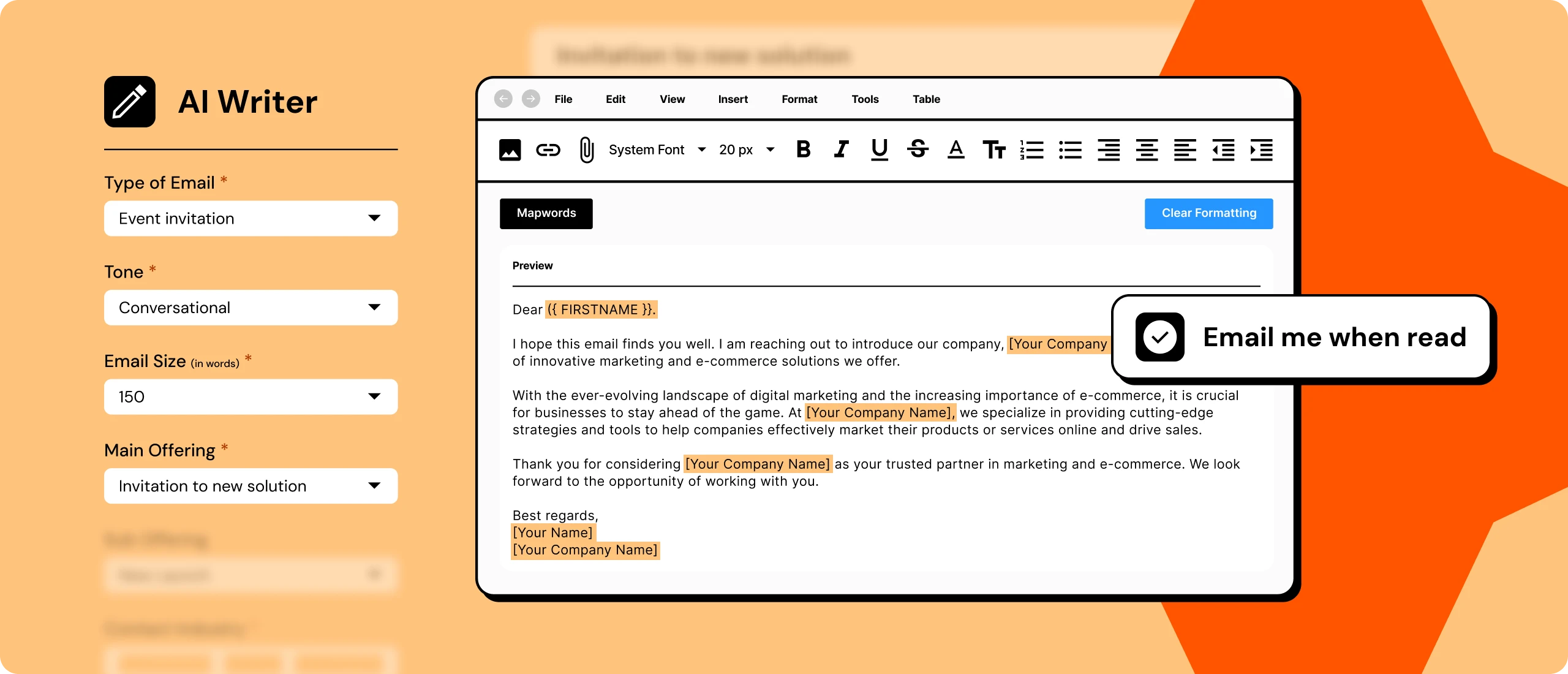
Atlas then generates sample emails for each prospect at each cadence phase.

Important:

  • These are drafts, not live messages
  • Nothing is sent automatically
  • Samples exist purely for human review
Atlas assists creation.

It does not execute without permission.

Step 5

Human Review and Approval

Before anything launches, humans review everything.

You can: 

  • Edit messaging
  • Adjust tone and structure
  • Modify cadence flow
  • Approve or reject outputs
Nothing launches without explicit human approval.
Step 6

Launch Inside Clodura

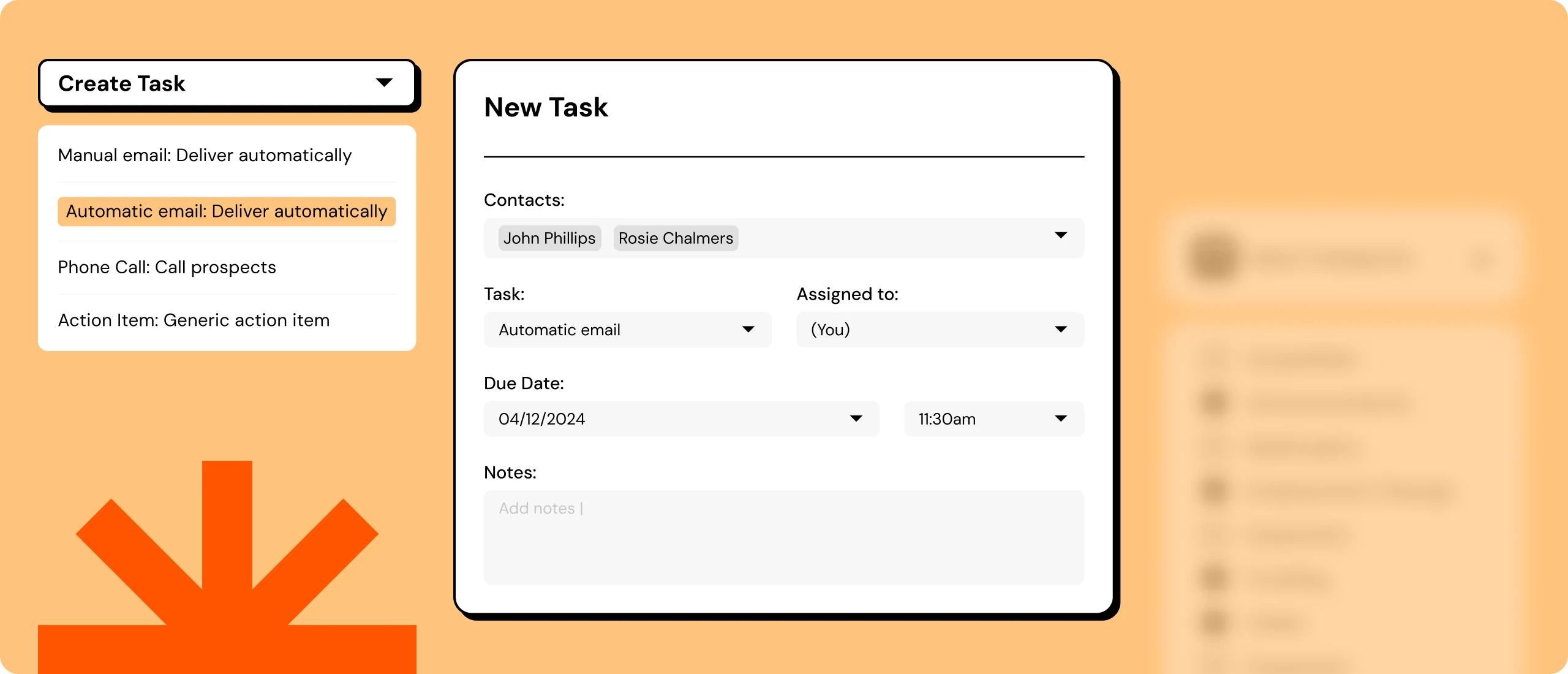
Once approved, cadences are executed using Clodura’s existing infrastructure:

  • Verified contact data
  • Email outreach
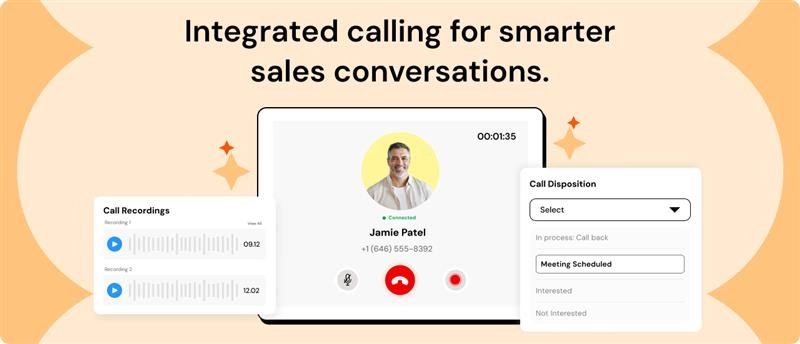
  • Calling workflows
  • Compliance and sending controls
Atlas hands off execution cleanly.

It does not override platform rules.

Step 7

Learning and Iteration

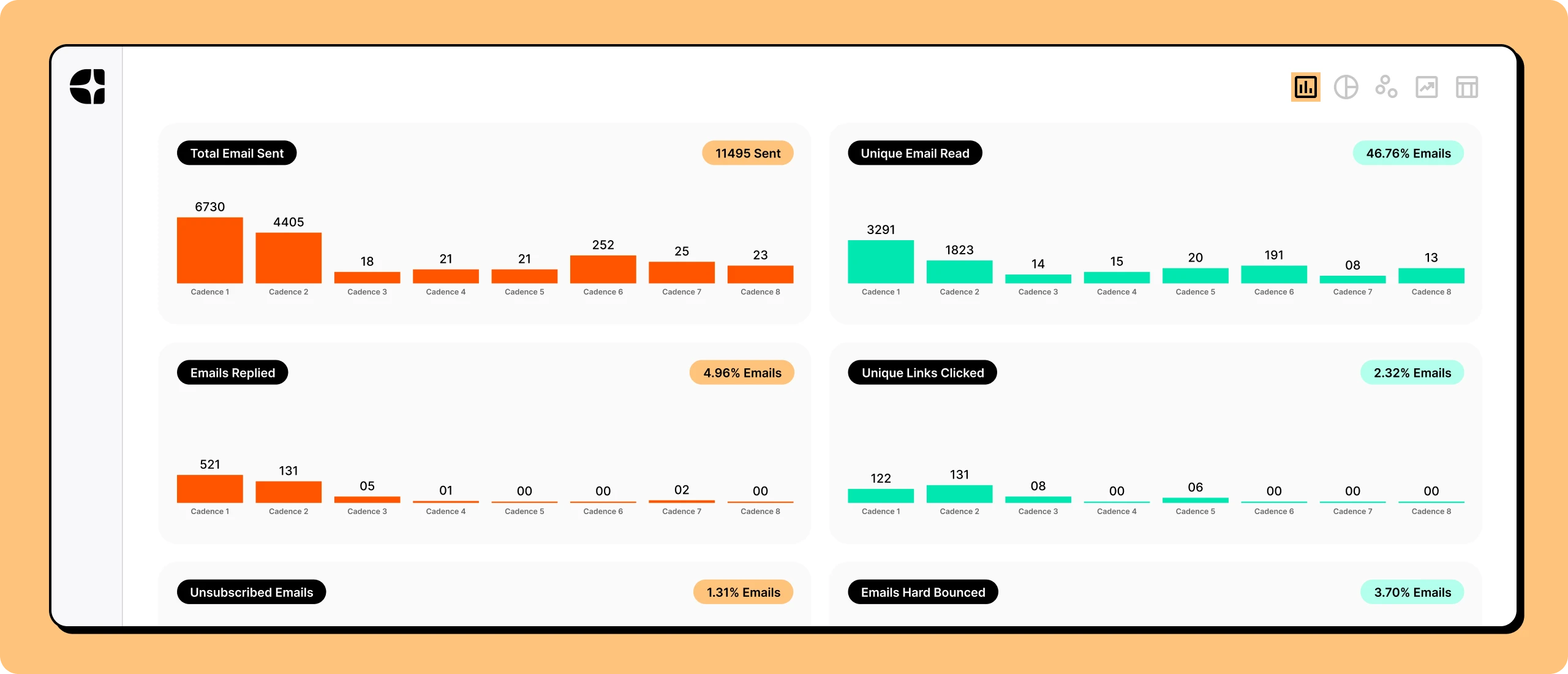
After launch, Atlas observes outcomes.

It looks for:

  • Engagement patterns
  • Reply behavior
  • Cadence-level signals
These insights feed back into Atlas’s thinking and training.

Humans decide what changes are applied.

Learning improves quality — it does not automate sending.

Where Atlas Stops?

To protect trust and quality, Atlas has clear boundaries. 

Send emails
autonomously

Make unsupervised
changes

Guess buyer
intent

Bypass approval or
compliance rules

These limits are intentional.

How Atlas Fits Real GTM Teams?

For SDRs:

  • Faster cadence creation
  • Less guesswork
  • Consistent quality

For RevOps:

  • Governance
  • Auditability
  • Predictable execution

For Sales Leaders

  • Message consistency
  • Controlled experimentation
Atlas fits existing GTM workflows — it doesn't disrupt them.

Structured Execution, Human Judgment 

Atlas brings structure to outbound execution
without removing human judgment. 

That’s how outbound scales safely.